Glitch RGB
Place the wrapper around any Framer layer or slot content. On hover, click, or always-on mode it adds RGB split, clipped slices, and controlled flicker.
Place the wrapper around any Framer layer or slot content. On hover, click, or always-on mode it adds RGB split, clipped slices, and controlled flicker.
0 libs
No external dependencies
12
Maximum slice layers
CSS
Transform / clip-path / filter
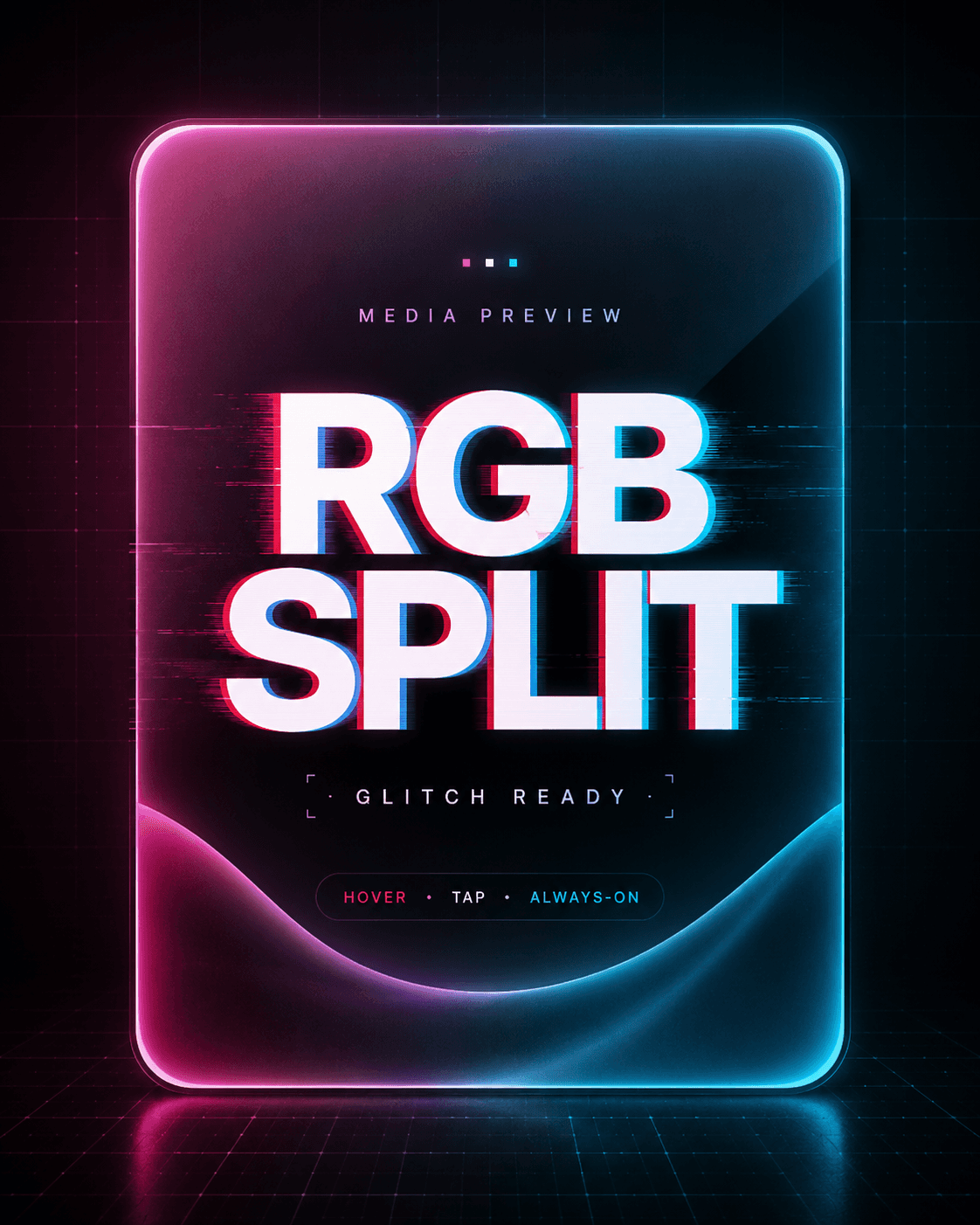
Image slot demonstration
The image sits inside the wrapper, so RGB layers, slices, and overlay are applied to the media itself.
Image slot demonstration
This preview image is wrapped too — the RGB layers and slices are applied over the picture.
Image slot demonstration
This preview image is wrapped too — the RGB layers and slices are applied over the picture.
Image slot demonstration
This preview image is wrapped too — the RGB layers and slices are applied over the picture.
Image slot demonstration
This preview image is wrapped too — the RGB layers and slices are applied over the picture.
Image slot demonstration
This preview image is wrapped too — the RGB layers and slices are applied over the picture.
Image slot demonstration
This preview image is wrapped too — the RGB layers and slices are applied over the picture.
Image slot demonstration
This preview image is wrapped too — the RGB layers and slices are applied over the picture.
Image slot demonstration
This preview image is wrapped too — the RGB layers and slices are applied over the picture.
Image slot demonstration
This preview image is wrapped too — the RGB layers and slices are applied over the picture.
Image slot demonstration
This preview image is wrapped too — the RGB layers and slices are applied over the picture.
Image slot demonstration
This preview image is wrapped too — the RGB layers and slices are applied over the picture.
Image slot demonstration
This preview image is wrapped too — the RGB layers and slices are applied over the picture.
Image slot demonstration
This preview image is wrapped too — the RGB layers and slices are applied over the picture.
Image slot demonstration
This preview image is wrapped too — the RGB layers and slices are applied over the picture.
Image slot demonstration
This preview image is wrapped too — the RGB layers and slices are applied over the picture.
Image slot demonstration
This preview image is wrapped too — the RGB layers and slices are applied over the picture.
Image slot demonstration
This preview image is wrapped too — the RGB layers and slices are applied over the picture.
Media proof
Works on images, cards, and text.
Works on images, cards, and text.
Works on images, cards, and text.
Use this section for marketplace screenshots: one poster cover, one product screenshot, and one editorial visual. Hover cards on desktop to preview the CSS-only demo.
Use this section for marketplace screenshots: one poster cover, one product screenshot, and one editorial visual. Hover cards on desktop to preview the CSS-only demo.

Poster / Cover
Use it for hero cards, launch posters, thumbnails, and visual product covers.
hover
image
slices

Product Screenshot
Wrap a UI screenshot and give a static product preview a clear interaction state.
always
rgb split
ui

Editorial Visual
Use it for portfolios, music drops, digital art, bold landing pages, and event pages.
hover
high offset
cover
Slot logic
Place any frame inside.
Place any frame inside.
Place any frame inside.
The component works as a wrapper around slot content, so the layout stays yours. The effect layer handles duplication, clipping, RGB offset, and overlay.
The component works as a wrapper around slot content, so the layout stays yours. The effect layer handles duplication, clipping, RGB offset, and overlay.
The component works as a wrapper around slot content, so the layout stays yours. The effect layer handles duplication, clipping, RGB offset, and overlay.
Any
Frame
Any
Frame
Any
Frame
Use the slot for live content. The wrapper keeps the original layer editable while adding the glitch effect above it.
Use the slot for live content. The wrapper keeps the original layer editable while adding the glitch effect above it.


Controls
Dial in the effect.
Dial in the effect.
Show the available controls without exposing code. The default values are tuned for a clean first insert and can be pushed harder for louder visuals.
Framer properties
Representative defaults for a clean first insert.
Intensity
46
Slices
7
RGB Offset
14px
Flicker
4
Trigger
Hover
Radius
24px
Overlay
.08
Mobile
On
Screenshots
Built for product previews.
Built for product previews.
Built for product previews.
These blocks are intentionally large. Crop them into Contra, Framer, or social preview images and show the actual behavior: media inside the wrapper, RGB effect above it.
These blocks are intentionally large. Crop them into Contra, Framer, or social preview images and show the actual behavior: media inside the wrapper, RGB effect above it.



Use cases
Practical placements.
Practical placements.
Practical placements.
Hero visuals
Add motion to a static first screen without rebuilding the whole section.
Image cards
Make product covers, posters, portraits, and thumbnails feel interactive.
CTA blocks
Add a clear hover state to buttons, offers, and pricing cards.
Mobile mode
Keep the effect subtle on coarse pointers without draining the battery.

Mobile
Soft on mobile. Sharper on desktop.
Soft on mobile. Sharper on desktop.
The real component includes a mobile-friendly mode. This preview uses a lower RGB offset in the phone mockup so the effect reads clearly in screenshots.
No JavaScript in this file. CSS-only static presentation for the Glitch RGB Hover Wrapper.